 Presswork
Keep making flyers the way you always have.
Presswork is a free publishing app for Windows. The same ribbon, the same Pages pane, and it opens your Publisher files.
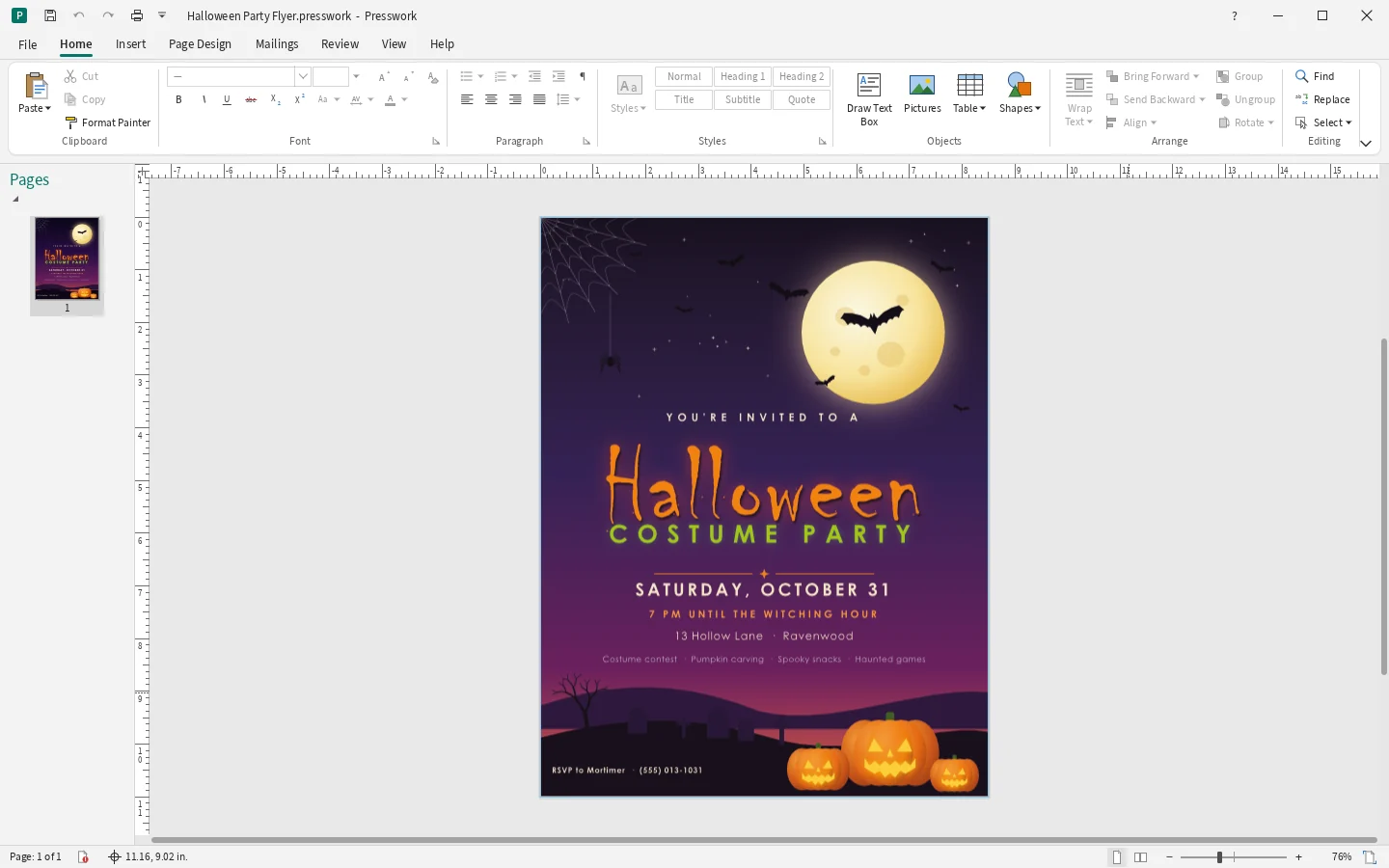
The ribbon you already know
Home, Insert, Page Design, Mailings, Review and View, with the buttons where your hands expect them.

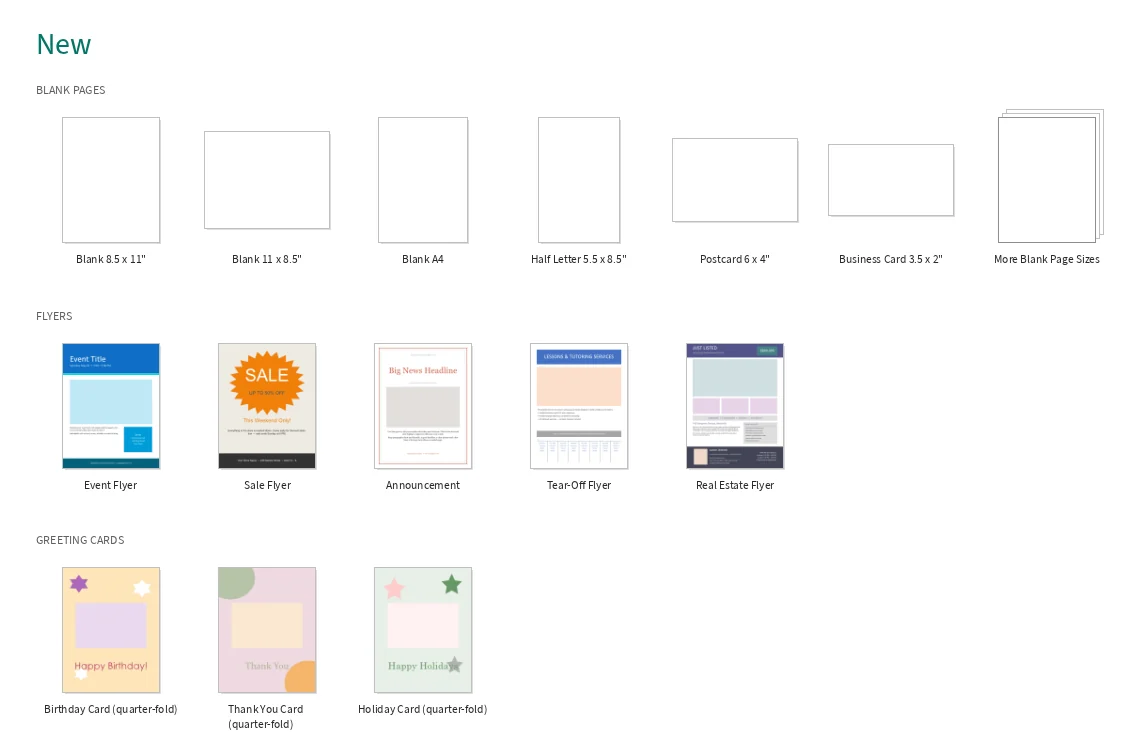
Start from a template
Flyers, greeting cards, invitations, business cards, calendars and more. Pick one, change the words, print.
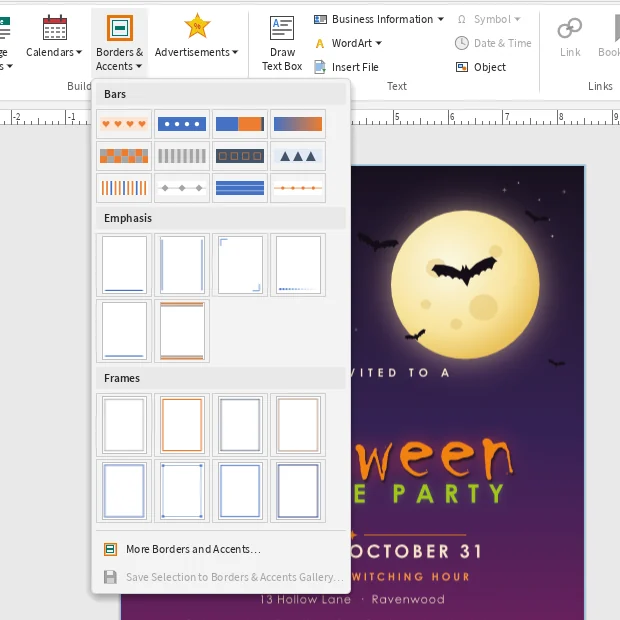
Borders, accents and color schemes
Choose a border or accent from the gallery and it lands on the page exactly as it looks in the menu.
Bring your old Publisher files
Open a .pub file from File, then Open. Years of newsletters, cards and church bulletins come with you, ready to view, print and reuse.
Install in three steps
- DownloadGet Presswork-Setup.exe from this page.
- Open it and click InstallWindows asks for permission once. Click Yes.
- Find it in the Start menuPresswork keeps itself up to date from then on.
If Windows says it protected your PC, click More info, then Run anyway. It shows that for new apps it hasn't seen before.
Questions
Is it really free?
Yes. No account, no subscription and no ads.
Does it work on a Mac?
Not yet. Presswork is for Windows 10 and 11.
What if my computer shuts off while I'm working?
Presswork keeps a copy of unsaved work and opens it again the next time you start it.
Can I print at home or send it to a print shop?
Both. Print from File, then Print, or save a PDF from File, then Export.